A friend of mine started dictating his code comments and Slack messages in January and now types maybe 30% of what he used to. Every time I sit next to him at a coffee shop, he's muttering into his laptop's built-in mic while the words show up in his terminal faster than I can type them. He's convinced he's found the productivity cheat code of 2026.
I was skeptical. I've tried voice dictation before — every few years, usually right around when my wrists start twinging. It's always been bad enough that I gave up within a week. Words missing. Punctuation wrong. "Period" showing up in the middle of sentences like a typo from 1998.
So I spent the last two months actually testing the new crop of AI voice dictation tools — Wispr Flow, Superwhisper, AquaVoice, and the built-in dictation in macOS and Windows 11. Here's what actually works, what doesn't, and whether you should care.
Why Voice Dictation Stopped Being a Joke
The difference this time is the LLM layer. Old dictation tools just transcribed — you said "uh I think we should maybe um refactor this", and they typed exactly that. The new tools transcribe, then pass the raw text through a language model that cleans up filler words, adds punctuation, fixes grammar, and respects context like "I'm writing code" vs "I'm writing an email".
The quality jump is enormous. I ran a timed test: I dictated a 300-word blog paragraph into Wispr Flow while also typing the same paragraph by hand. Dictation finished in about 90 seconds. Typing took me four minutes. The dictated version needed two small edits. My typed version needed three.
That's the real unlock. It's not just transcription — it's "speak a rough draft, get a cleaned-up one instantly". For anyone who writes a lot of prose (emails, docs, Slack messages, blog posts, PR descriptions), the math starts looking silly.
Wispr Flow: The Polished One
Wispr Flow is the product everyone's talking about. It's Mac, Windows, iOS, and Android — the only major AI dictation tool on all four. You hold down a hotkey (I use Right Option on Mac, Right Alt on Windows), speak, release, and the cleaned-up text types itself into whatever app you're focused on.
The cleanup is the magic. You can say "uh so I think we should maybe, you know, revert that commit and then like, hmm, rebase off main" and what shows up is: "I think we should revert that commit and then rebase off main." It also knows context — dictating into Slack produces more casual text than dictating into a Google Doc titled "Q2 Roadmap".
Wispr claims 150-184 words per minute in sustained use. I hit around 140 WPM comfortably after a week. My typing speed is about 85 WPM. That's a real 1.6x speedup, and more importantly, my wrists stop hurting on long writing days.
The downsides: Wispr sends your audio to the cloud. It's SOC 2 Type II compliant and has HIPAA controls, but if you're dictating anything you don't want OpenAI or Meta to theoretically have a copy of, this is a real concern. Pricing is $15/month for Pro after a limited free tier. And the cloud dependency means it's useless on a plane without wifi.
Verdict: If you have a decent internet connection and don't dictate sensitive content, this is the one to get.
Superwhisper: The Privacy-First One
Superwhisper is the Mac-only answer for people who refuse to send their voice to a cloud server. Everything runs locally. No data leaves your machine. On an M-series Mac, it runs the Whisper model on-device using the Neural Engine, and it's fast enough to feel like a cloud tool.
The accuracy is very close to Wispr Flow for clean audio in a quiet room. Where it loses ground is in noisy environments — Wispr's cloud model is more robust to background noise because it was trained on much larger datasets. Superwhisper also has less sophisticated post-processing, so filler words and run-on sentences sometimes make it through.
For the privacy-conscious developer working on sensitive code or writing to clients under NDA, this is an easy recommendation. The one-time license (no subscription) is also refreshing. You own the software forever.
Verdict: The right choice for Mac users who prioritize privacy, work offline sometimes, or don't want another subscription.
The Built-in Alternatives (Free, Good Enough for Some)
Before spending money, try what's already on your computer:
macOS Dictation: System Settings → Keyboard → Dictation. Triggered by pressing Fn twice. It's surprisingly capable in Sequoia and later — Apple added on-device processing using Apple Intelligence on supported Macs, and it handles punctuation by voice command ("period", "new line", "question mark"). No AI cleanup of filler words, though.
macOS Voice Control: System Settings → Accessibility → Voice Control. Different tool, designed for accessibility, but developers use it because it lets you navigate the entire OS by voice. Combined with dictation, it's the closest Apple ships to hands-free computing.
Windows 11 Voice Access: Windows key + H. Decent dictation, and Microsoft has been quietly improving the AI cleanup in recent updates. Works offline after the initial language pack download. Surprisingly good for casual use.
None of these match the Wispr Flow experience, but if you dictate occasionally (a paragraph here, a message there), they may be all you need.
AquaVoice: The Mac-First Upstart
AquaVoice is a Mac-focused dictation tool that's gained traction in the last six months. It sits between Superwhisper (private) and Wispr Flow (cloud-polished) — it offers both local and cloud modes, and its killer feature is custom vocabularies. If you work in a domain with specialized terminology (medical, legal, niche tech stacks), you can feed Aqua a list of terms and it will stop mangling them.
I'd take Wispr Flow over Aqua for general use, but if you're in a specialized field where domain vocabulary is 20% of what you say, Aqua is worth testing.
The Hardware You Actually Need
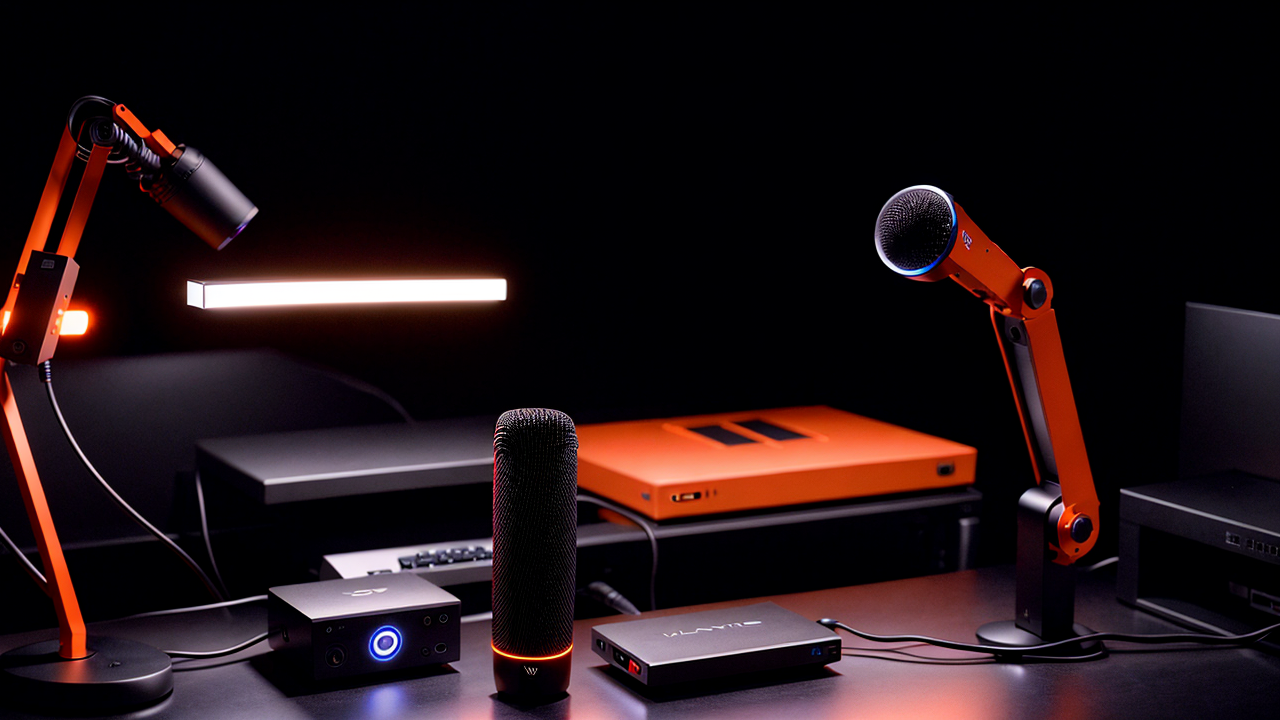
The dirty secret of voice dictation is that the microphone matters more than the software. A $30 mic on a clean signal outperforms a $300 mic with a bad position. Start here:
For a dedicated desk mic, the Shure MV7+ is the current top pick. USB-C and XLR, dynamic capsule (meaning it rejects room noise), and the AI-powered auto-leveling means you don't have to fuss with gain. If $280 is too much, the Shure MV6 at around $150 gets you 85% of the experience. For the budget tier, the FIFINE AmpliGame AM8 is a legitimately good $70 dynamic mic that outperforms condensers twice its price for dictation.
For a mic on a boom arm (so it's always in position and out of your camera), pair any of the above with an Elgato Wave Mic Arm LP. The low-profile design doesn't block your monitor.
For dictating while walking or away from a desk, a good headset is essential. The Jabra Evolve2 65 is the gold standard for call-center-style comfort with a quality boom mic. For a more premium option with active noise cancellation that doubles for music, the Sony WH-1000XM5 has an underrated mic array. And for full mobility, AirPods Pro 2 work shockingly well with Wispr Flow's iOS app — I've dictated entire Slack threads while walking the dog.
A pop filter helps more than you'd expect, especially if you tend to plosives (hard P and B sounds). A Neewer 6-inch pop filter is $12 and solves it.
Where Voice Dictation Actually Wins for Developers
The productivity win isn't uniform across all tasks. Here's where I've found it genuinely faster:
Where it loses:
const user = await getUserById(id) is slower and more error-prone than typing it. Voice is for prose. Code stays on the keyboard.The Ergonomic Case for Voice
This is the unadvertised benefit: your wrists. If you code eight hours a day, typing another two on top for emails, docs, and Slack is real physical stress. Voice dictation offloads the prose-heavy work and lets your hands rest.
If you're already dealing with RSI, pair voice with an ergonomic keyboard for the typing you can't avoid. The Kinesis Advantage360 is the endgame — split, contoured, and keyboards your hands will actually thank you for. A more affordable step up from a flat keyboard is the Logitech MX Keys S, which has quiet low-profile switches that don't punish your fingers.
And the often-overlooked complement: a proper wrist rest and a monitor arm so your screens are at eye level. The point of adding voice is to reduce physical load — not just redirect it elsewhere.
My Recommendation
If you do substantial prose writing in your day (engineering managers writing docs, developers writing PR descriptions, anyone drafting lots of emails), Wispr Flow is worth the $15/month. The productivity win is real and lasting.
If you're privacy-sensitive and on a Mac, get Superwhisper. The local-only processing is a hard requirement for some work, and the one-time license is a nice change from everything being a subscription.
If you're not sure yet, enable the built-in dictation on macOS or Windows 11 and use it for a week. If the workflow clicks, step up to a dedicated tool. If it doesn't, you haven't lost anything.
The bar for "does voice dictation actually work" has finally, truly been cleared. Whether it fits your workflow is the only question left.
---
Disclosure: This post contains affiliate links. If you purchase through these links, I may earn a small commission at no extra cost to you.